



Open your account directly from your phone
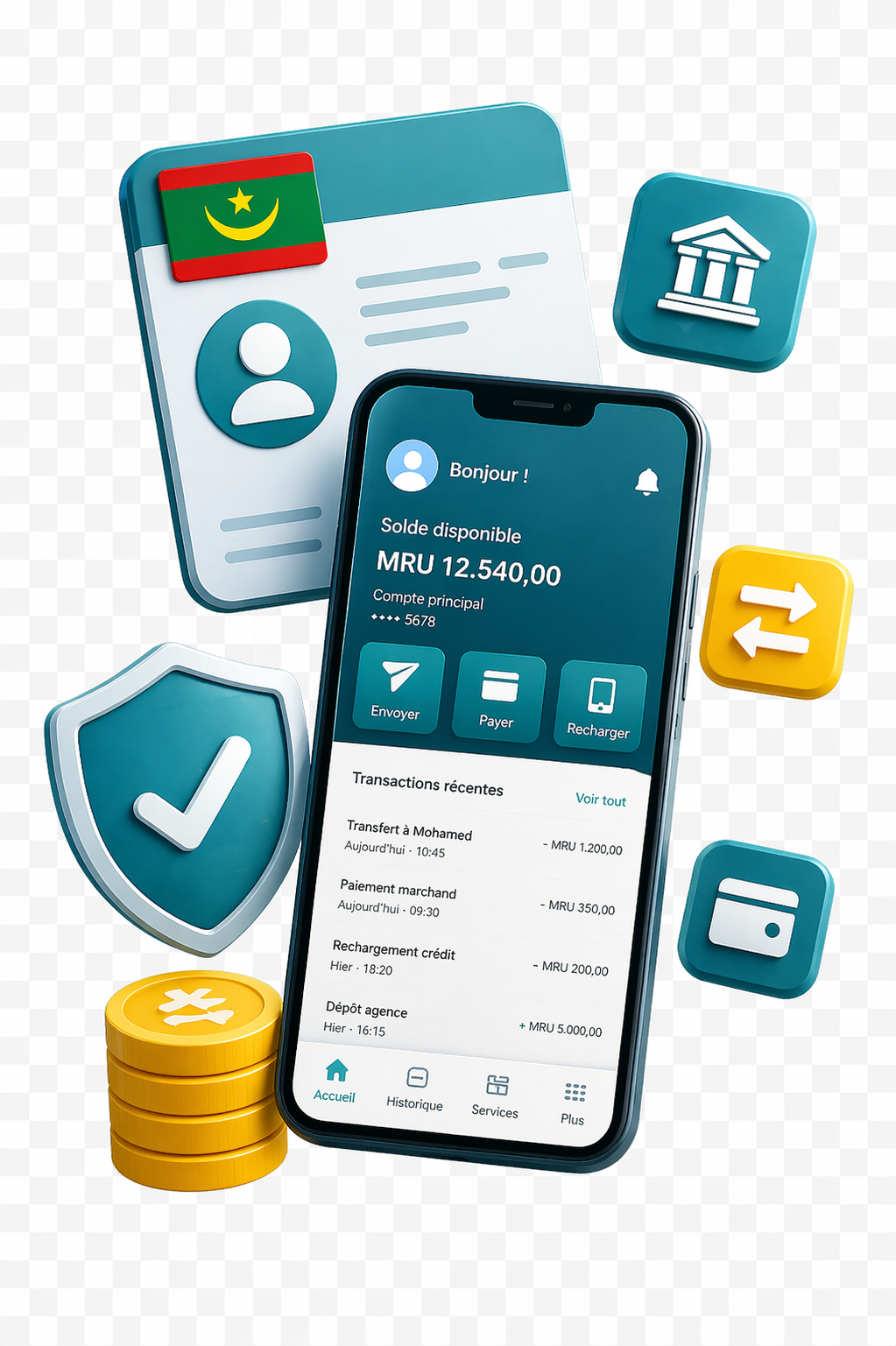
Do you want to access your account from your phone and take advantage of the full mobile banking experience offered by BANKILY and developed by BPM?
Download the Bankily app from the App Store or Play Store, or access the account through your operator's USSD code. Keep your national ID card ready and enter the 10 digits of your NNI.
Your national ID card and your NNI are enough to launch the account opening process. Branch verification then unlocks the complete Bankily experience.
Two journeys
One service, adapted to your current banking profile
Whether you already bank with BPM or you are starting fresh, the activation path keeps the same mobile-first logic.
Journey 01
Existing BPM customer
If you already bank with Banque Populaire de Mauritanie, the journey is designed to activate your mobile access quickly and with very little friction.
- 01Launch Bankily
- 02Enter your NNI
- 03Complete verification
Journey 02
New customer
Bankily lets you create a first banking access quickly, then expand your usage once your identity has been verified at a branch.
- 01Open the account in seconds
- 02Start with essential services
- 03Unlock the full service